 |
ADTF Qt5
|
|
ADTF Qt5
|
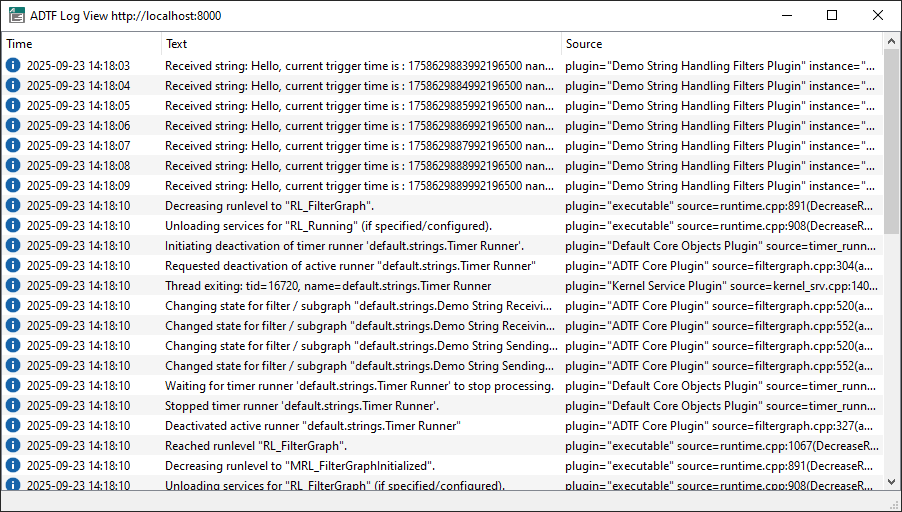
The ADTF Log View connects to an ADTF instance and displays all log messages in a graphical user interface.
For any purpose, please execute the adtf_logview with the option --help, which will give you an overview and example usage of available options and commands.
It can be executed standalone or from the ADTF Configuration Editor, when the .adtfenvironment file from this ADTF Qt5 package is loaded.
Furthermore it can also be launched from within ADTF Control with the help of the logview command.
To show information about a running Session just start the ADTF Log View.
If the argument --url is not provided the default URL http://localhost:8000 will be used.