 |
ADTF Qt5
|
|
ADTF Qt5
|
| Plugin Filename | adtf_qt5.adtfplugin |
|---|---|
| Plugin Description | adtf_qt5.plugindescription |
| Plugin Name | Qt5 Plugin |
| License | ADTF Subscription |
| Support Mail | support@digitalwerk.net |
| Homepage URL | https://adtf.dev/ |
| Plugin Version | 1.99.99 |
|---|---|
| Plugin File Version | 1.0 |
| adtf | 3.26.0 |
| adtf::ucom | 3.1.0 |
| Name | Qt5 File Explorer UI Service |
|---|---|
| CID | file_explorer.ui_service.adtf.cid |
| Description | Use this UI service to display files within a file system explorer. Initial directories can be configured via the 'directories' property. Recorder directories can be added automatically by enabling the 'add_recorder_directories' property. Additional directories can be temporarily added at runtime via the 'Add...' button. |
| Type | Service |
| Default Runlevel | system |
| Name | Value | Type | Description | Subproperties |
|---|---|---|---|---|
| add_recorder_directories | true | tBool | If set to true, all recorder directories are automatically added into the directories list, otherwise not. | Value Range: minimum = maximum = Filename Extension Filter: |
| directories | cFilepathList | Defines the initial directories list. Additional directories can be added at runtime via the 'Add...' button. | Value Range: minimum = maximum = Filename Extension Filter: | |
| title | ADTF File Explorer | cString | Window title which will be used at runtime within Qt5 ADTF XSystem UI Service. | Value Range: minimum = maximum = Filename Extension Filter: |
| IID |
|---|
| qt_xsystem.v1.services.adtf.iid |
| IID |
|---|
| player.ant.services.adtf.iid |
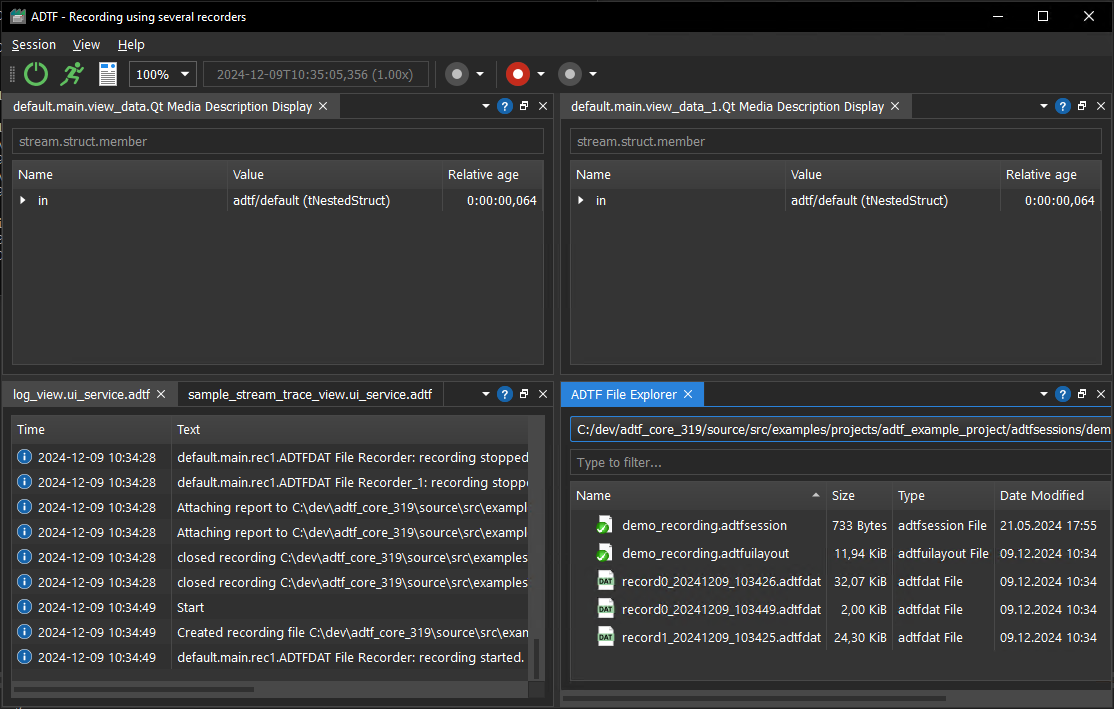
Either configure desired directories via the service's properties or add them at runtime.
The current directory displayed in the UI can be selected via the dropdown menu.
In order to open or directly play back a file simply double-click or perform a right click on it and select the required option from the context menu.
You can open or direct play back a single file or in a bundle and loading referenced files as well.
Context menu actions:
Play - play this file, as well as its referenced filesPlay only this file - play only this file, without its referenced filesOpen - open this file, as well as its referenced filesOpen only this file - open only this file, without its referenced filesCopy path - copies the selected item's absolute path into the clipboard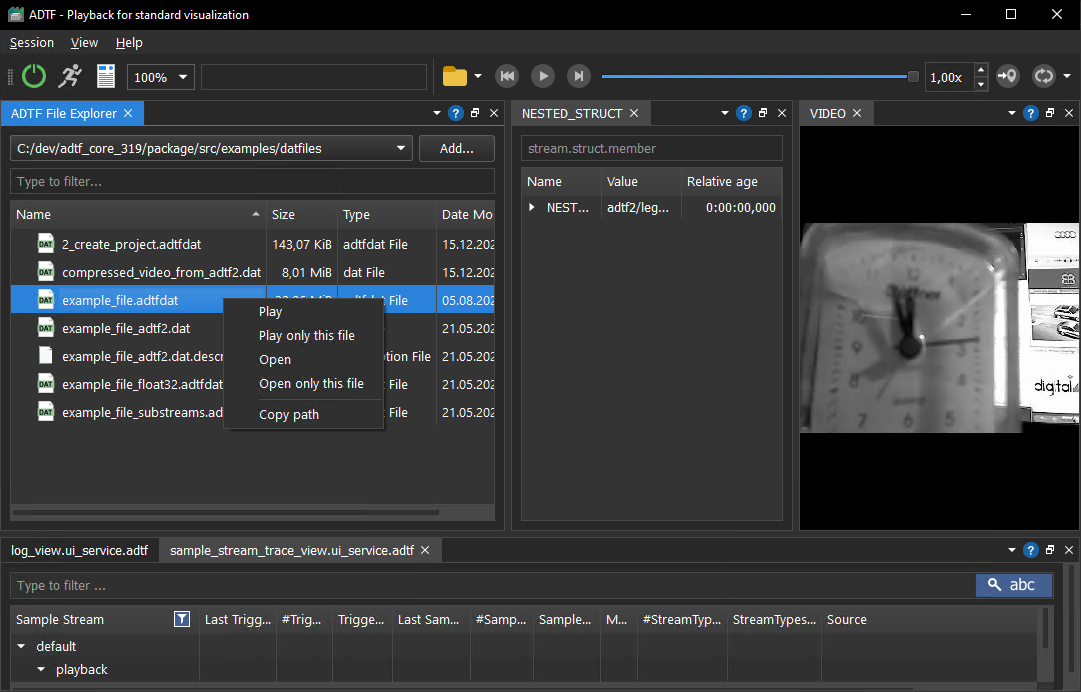
If the current session contains recorders, their recording directories can be added automatically.